Design Dashboard
Use the Design Dashboard in Insights to review Topics, coordination activity, Clash Detection results, and IDS checks in your project.
Before you start
Open Insights > Design Dashboard. You need access to the Design dashboard and to the underlying information you want to analyze. Some metrics may be unavailable when you do not have permission to view Topics, Clash Detection, or IDS results.
Review Topic indicators
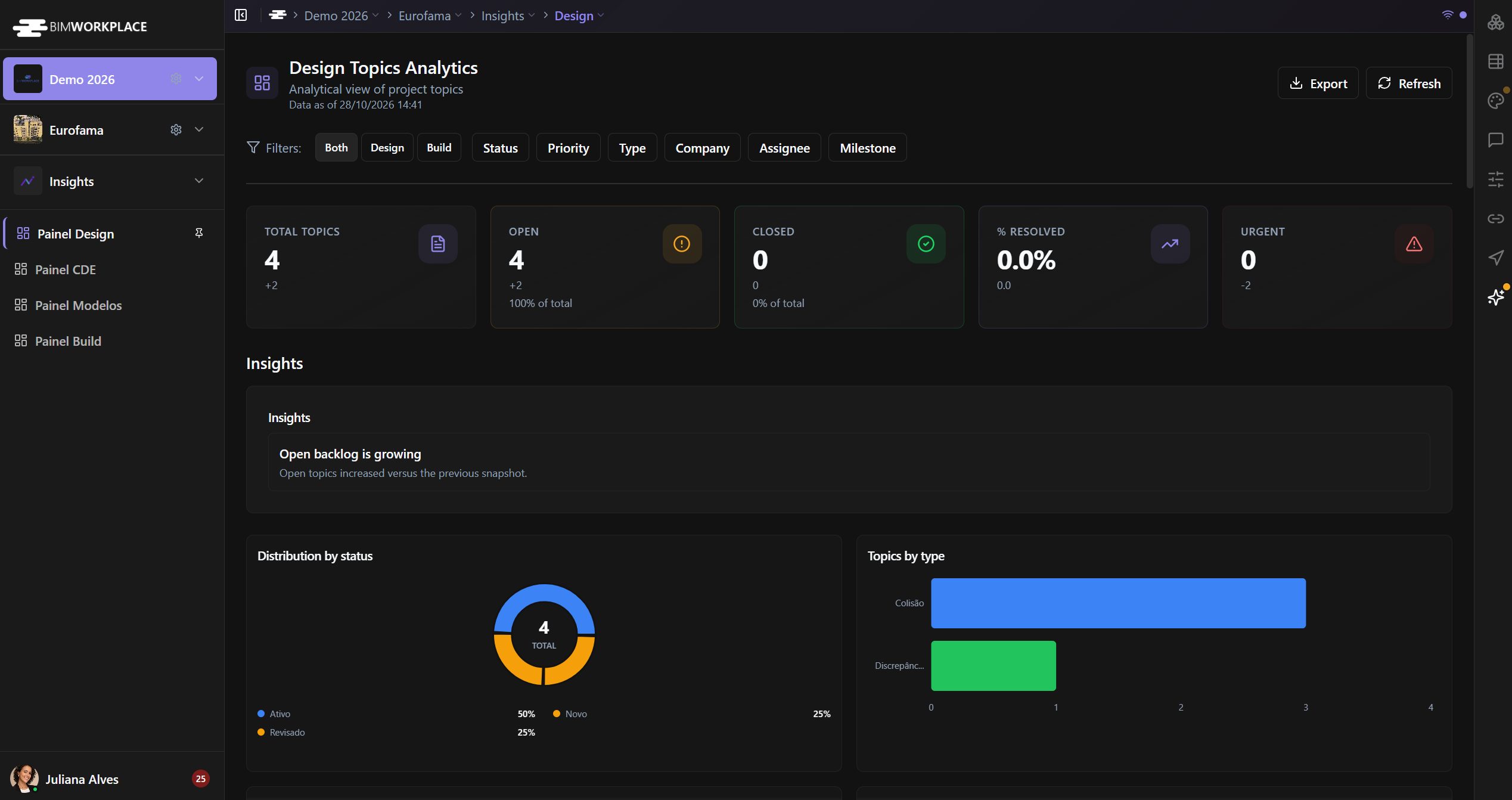
The first group of KPI cards summarizes:
- Total Topics — number of Topics in the selected scope.
- Open Topics — Topics that are not classified as closed or resolved.
- Closed Topics — Topics classified as closed or resolved.
- Percent Resolved — proportion of Topics counted as resolved.
- Urgent Topics — Topics assigned to the highest-priority active priority level, determined by its configured order rather than its displayed name.
The values reflect the selected filters and the Topics visible to you.
Filter the Topics
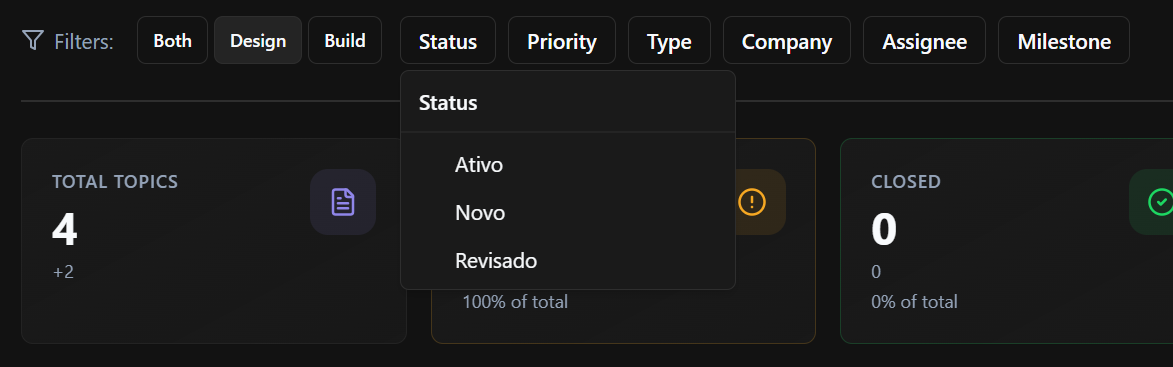
- Use the source selector to choose All, Design, or Build.
- Narrow the results with Status, Priority, Type, Company, Assignee, or Milestone.
- Review the selected filter labels below the filter bar.
- Remove individual selections or clear all filters to return to a broader view.
Changing the source selection clears the other selected category filters.
Some charts allow you to select a category to add or remove its filter.
Analyze Topic distribution and responsibility
Use the charts to understand:
- Topics by Status, Type, and Priority.
- Status distribution by Type and Priority.
- Status distribution by Assignee and Company.
- Topics by Label, Milestone, and Area, including status comparisons where available.
These views help identify concentrations of open work and how Topics are distributed among project participants.
Review progress over time
The dashboard also includes indicators for:
- Median Time to Resolve.
- Created vs Closed Topics over time.
- Status Flow over time.
- Aging Table, for reviewing Topic age information.
Historical charts depend on the available project data and calculation history. Do not interpret missing historical points as zero activity without checking the underlying information.
Monitor Clash Detection and IDS
The quality indicators include:
- Active Clashes and Clashes by Status.
- Clash Model Pair Matrix, showing clashes across model pairs.
- IDS Conformity Rate.
- IDS Failures by Failure Type.
- Critical IDS Failures.
These metrics summarize available coordination and validation results; they do not replace reviewing individual tests or IDS results in Design.
Review Insights
The Design Dashboard can display automatically generated Insights based on the available metrics. These highlight conditions worth reviewing. The list may be empty when no conditions are detected or when supporting data is unavailable.
Refresh or export
Use Refresh to request updated values. If you have sufficient permissions, use Export to save the dashboard as PNG or PDF.
For general instructions, see Using Dashboards.
Este artigo foi útil?