BIM coordination, with a trail from finding to fix.
Coordination spaces, BCF-style topics, async clash detection and buildingSMART IDS validation — all connected to your federated models in one auditable place.
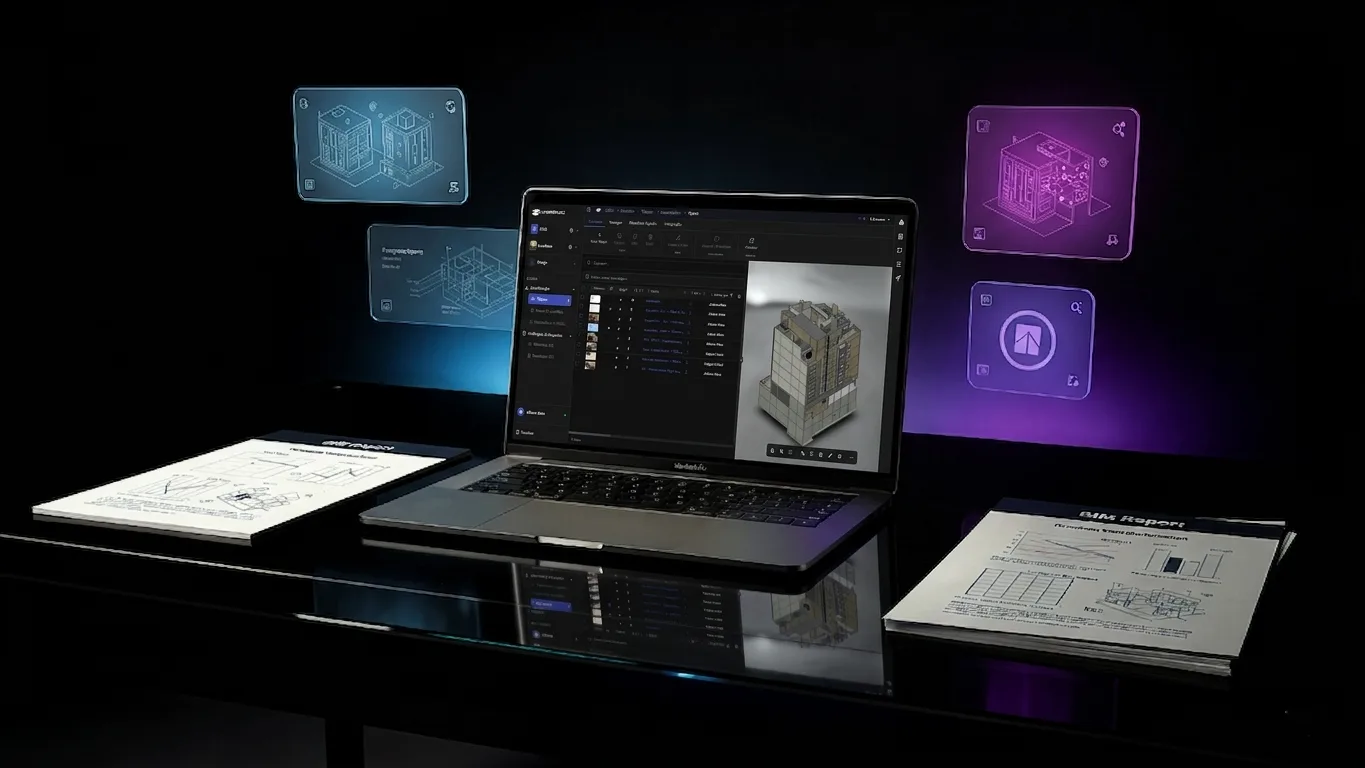
The everyday pain of coordination — gone.
Hover any card to see how BIMWorkplace solves it.
Coordination data scattered across email and screenshots
Issues, comments and decisions live in inboxes and chat, with no link to the model or project state.
Hover to see how we solve it →One coordination workspace
Topics, comments and decisions live next to the federated model — every record linked to its 3D context and project state.
No common scope for which models and rules apply
Teams disagree on which models, disciplines and checks are part of each coordination exercise.
Hover to see how we solve it →Coordination Spaces
Define named scopes that group member models, attached IDS specs and run history — everyone works against the same agreed setup.
Issues with no owner, status or priority
Meeting notes get lost — there's no shared register of who's doing what and by when.
Hover to see how we solve it →BCF-style topic register
Every topic has owner, status, priority and due date — with saved filters and an audit log so nothing gets dropped between meetings.
Comments lost outside the model context
Without 3D context, attachments and threaded discussion in one place, decisions get rebuilt every meeting.
Hover to see how we solve it →3D-anchored discussions
Topics carry the viewer thumbnail, threaded comments and attachments together — the decision history travels with the issue.
Clashes trapped in authoring software
Findings stay in Revit/Navisworks files instead of a shared, web-based history that everyone can review.
Hover to see how we solve it →Shared, web-based clash history
Clash runs and results live in BIMWorkplace — reviewable by any stakeholder in the browser, with no authoring tool required.
Federated models too heavy for synchronous checks
Running clash detection in the browser blocks the UI — large projects need queued, scalable workers.
Hover to see how we solve it →Async runs on queued workers
Clash detection runs on background workers with chunked progress — keep working in the UI while runs scale to large federations.
EIR / BEP requirements stuck in PDF — not testable
Information requirements written as documents can't be enforced; IDS turns them into executable rules.
Hover to see how we solve it →Executable IDS specs
Author EIR / BEP rules in an IFC schema-aware IDS editor — and run them automatically against every active model.
Manual, sample-based validation across disciplines
Spot-checking models by hand misses non-conformities — IDS runs the same rules against every element.
Hover to see how we solve it →100% coverage validation
IDS runs the same rules against every element of every model and links findings straight back to topics for follow-up.
One module. Four jobs done well.
From scope definition to issue resolution and standards-based validation — every step of design coordination, connected.

Coordination Spaces
Define named scopes for clash testing, IDS checks and related workflows. Each space groups its member models, attached specifications and run history — and can be archived when complete.
- Scoped model sets
- IDS attachment
- Run history
- Archiving
Topics — issues with 3D context
BCF-style coordination records with status, owner, 3D viewer thumbnail, threaded comments and attachments. Per-topic permissions, saved filters and full audit history keep large teams aligned.
- BCF-style issues
- Comments & attachments
- Per-topic permissions
- Saved filters
- History & audit
- Excel & BCF I/O
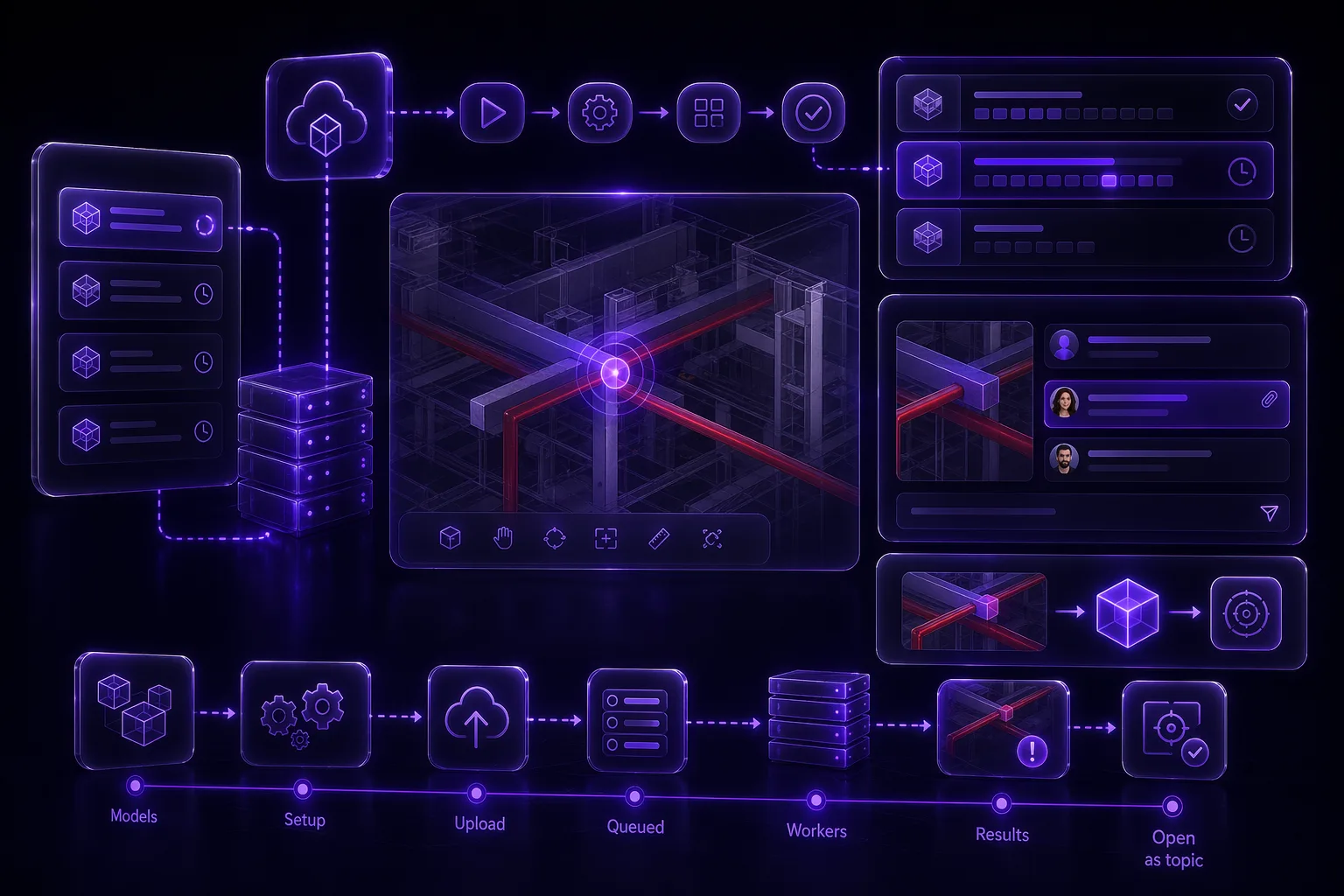
Clash Detection at scale
Async clash runs processed by queued workers — no frozen browser, no abandoned reports. Track every run with chunked progress, comment on findings and convert any clash into a topic to drive it to closure.
- Async runs (queued workers)
- Run history & chunks
- Comments on clashes
- 'Open as topic' workflow
- Selection preview

IDS Validation
Turn EIR / BEP requirements into executable rules with buildingSMART IDS. Author specs in an IFC schema-aware editor, run them against one model or every active spec at once, and link findings straight back to topics.
- Import / export .ids XML
- Run one or all active specs
- Searchable results
- Link findings to topics
- IFC schema-aware editor
Eight capabilities. One coordination workflow.
Everything a project needs to scope, track, validate and resolve design issues — at any scale.
Coordination Spaces
Named scopes that bundle member models, IDS specs and clash workflows — with archiving.
Topics CRUD & Filters
Create, query and filter topics by ID with summary or full payload — built for large registers.
Topic Permissions
Fine-grained access at company, team and user level — read without edit, segment responsibilities.
Clash Runs & Results
Queue runs (HTTP 202), track chunks and progress, review results with comments and geometry.
IDS Specifications
List, create, update, duplicate and delete specs — backed by an IFC schema-aware editor.
IDS Execution
Run one specification or every active spec across the project, with re-runs and exportable results.
Reports & Excel I/O
Export-permissioned report jobs, plus Excel round-trip for topics and findings.
BCF & Desktop Integrations
Import/export BCF and channel desktop integrations by context — paginated and audited.
Ready to unlock the full value of your BIM data?
Join 200+ construction teams already using BIMWorkplace 2.0.