Clash Detection Workflow: How BIMWorkplace Solves Real Coordination Pain for BIM Managers
Learn how BIMWorkplace helps BIM Managers centralize models, manage clashes, assign responsibilities, and track coordination progress.
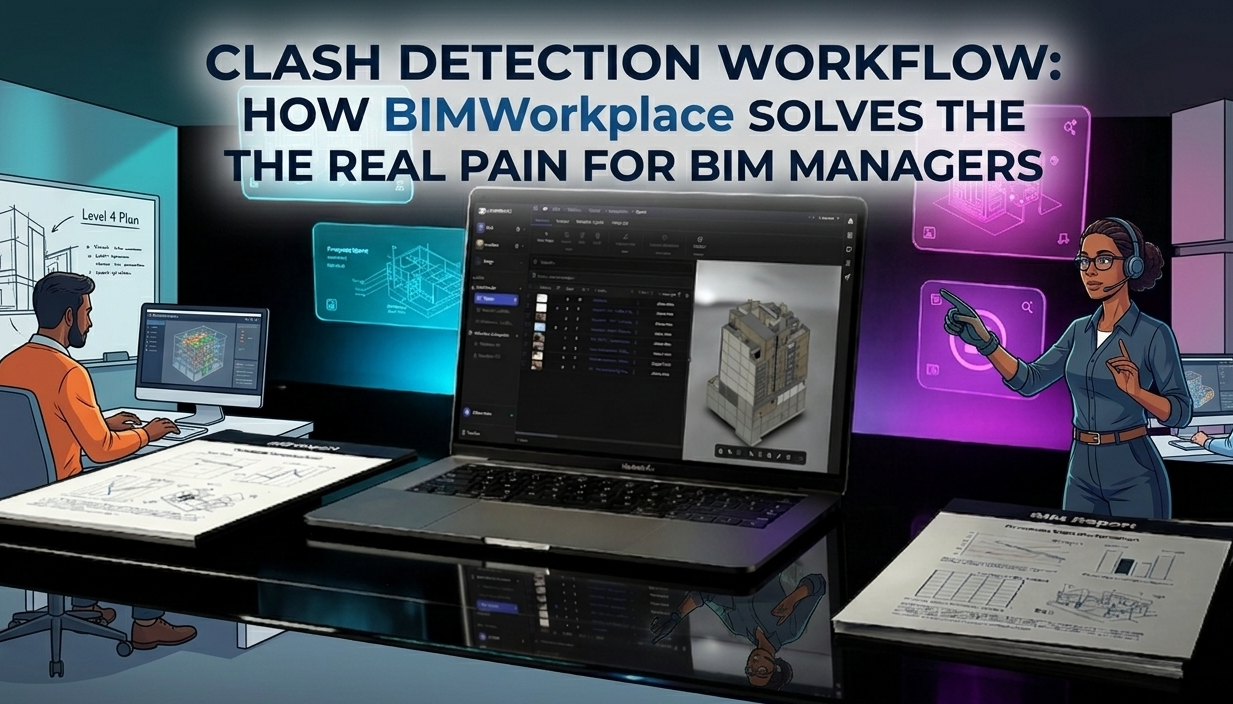
Clash Detection Workflow: How BIMWorkplace Solves Real Coordination Pain for BIM Managers
Clash detection is one of the most valuable applications of BIM in construction coordination. It helps teams identify conflicts before they become costly problems on site.
For many BIM Managers, however, the traditional clash detection workflow is still fragmented, slow, and difficult to manage. Even when using tools such as Navisworks and Revit, teams often struggle to move from clash identification to structured resolution.
BIMWorkplace simplifies this process by connecting model federation, clash management, issue tracking, team collaboration, and progress monitoring in a single cloud-based workflow.
The Problem with Traditional Clash Detection Workflows
Before looking at the solution, it is important to understand why clash detection often becomes a bottleneck for BIM Managers.
In many projects, coordination teams deal with disconnected models, overwhelming clash reports, unclear responsibilities, and limited visibility over resolution progress.
Common Challenges for BIM Managers
Models from multiple sources are scattered across folders, platforms, and systems.
Clashes generated in Navisworks are difficult to prioritize and manage.
Responsibilities are tracked manually across different teams.
Communication happens through emails, spreadsheets, or disconnected chats.
There is limited visibility into what has been resolved, what is pending, and who is responsible.
BIMWorkplace is designed to address these issues through a more connected, collaborative, and measurable approach to clash coordination.
Centralize Models Before Starting Clash Detection
The first step toward a better BIM clash detection workflow is model centralization. Coordination becomes harder when Revit, Navisworks, and IFC files are stored in separate environments without a clear source of truth.
With BIMWorkplace, teams can organize project models in a centralized cloud-based environment before moving into coordination and issue resolution.
How BIMWorkplace Helps
Upload models directly through the cloud or dedicated plugins.
Work with RVT, NWC, and IFC files.
Federate models and visualize project information in one place.
Connect workflows with Autodesk Construction Cloud, BIM 360, Navisworks, and Revit.
This gives BIM Managers a stronger foundation for coordination by reducing file fragmentation and improving access to project information.
Turn Clashes into Actionable Topics
Detecting clashes is only the beginning. The real value comes from transforming raw clash results into clear, assignable, and trackable coordination actions.
Instead of leaving teams with hundreds of unstructured clashes inside Navisworks, BIMWorkplace allows clashes to become actionable topics that can be managed throughout the project workflow.
From Technical Detection to Structured Coordination
Import clashes from Navisworks using the BIMWorkplace plugin.
Group clashes by type, system, location, priority, or severity.
Assign owners and define deadlines.
Add comments, files, attachments, and contextual information.
Track each topic from creation to resolution.
This shifts the workflow from technical overload to structured coordination, helping BIM Managers focus on decisions, responsibilities, and progress.
Coordinate in Real Time Across Tools
One of the main causes of coordination delays is fragmented communication. When comments, decisions, and responsibilities are spread across emails, spreadsheets, and separate platforms, teams lose context.
BIMWorkplace keeps coordination discussions connected to the relevant model issue, making it easier for teams to collaborate with the right information in front of them.
Connected Collaboration for Project Teams
Comment directly inside each coordination topic.
Tag users and notify responsible team members.
Share files and supporting documentation in context.
Keep updates synchronized across BIMWorkplace, Navisworks, and Revit workflows.
Reduce communication gaps between BIM Managers, designers, engineers, and project teams.
The result is a more transparent workflow where each issue has a clear history, owner, status, and resolution path.
Close the Loop with Dashboards and Progress Tracking
For BIM Managers, clash detection is not only about finding conflicts. It is also about controlling the resolution process and proving coordination progress.
BIMWorkplace supports this through dashboards and metrics that give project teams visibility into the status of coordination work.
What BIM Managers Can Monitor
Open, in-progress, and closed topics.
Clash resolution by discipline, milestone, or responsible user.
Team workload and pending responsibilities.
Coordination bottlenecks.
Overall project progress through the Insights module.
With this level of visibility, the clash detection workflow becomes measurable, manageable, and easier to report to stakeholders.
Full Clash Detection Workflow with BIMWorkplace
BIMWorkplace connects the key stages of clash coordination into a clear step-by-step process, from model upload to documented resolution.
1. Model Upload and Federation
Upload models from Revit, IFC, and NWC formats and organize them in a centralized project environment.
2. Clash Detection in Navisworks
Use Navisworks for clash detection while keeping the output connected to a broader coordination workflow.
3. Sync Clashes to BIMWorkplace
Use the Navisworks plugin to convert detected clashes into structured topics inside BIMWorkplace.
4. Assign and Resolve Issues
Assign topics to responsible team members, define deadlines, add context, and collaborate through the web platform or plugins.
5. Correct Models in Revit
Use the Revit plugin to access coordination topics, review comments, understand the issue context, and update the model.
6. Close and Document the Workflow
Update topic statuses as issues are resolved. Coordination information remains documented and accessible across the project workflow.
Why BIM Managers Use BIMWorkplace for Clash Coordination
BIMWorkplace helps BIM Managers move beyond isolated clash detection and manage the full coordination process with greater control.
Purpose-built coordination workflow for BIM Managers and project teams.
Connected environment between Navisworks, Revit, and the cloud.
Real-time collaboration with comments, notifications, and shared context.
Clear accountability through owners, deadlines, and topic statuses.
Project visibility through dashboards, metrics, and progress tracking.
Faster issue resolution with fewer manual steps and less communication noise.
Conclusion: Make Clash Detection Easier to Manage
Clash detection should help project teams coordinate better, not create another layer of complexity. When clashes remain disconnected from responsibilities, communication, and progress tracking, BIM Managers lose valuable time controlling the process manually.
With BIMWorkplace, the BIM clash detection workflow becomes more organized, visual, collaborative, and measurable. Teams can centralize models, convert clashes into actionable topics, coordinate across tools, and monitor resolution from a single connected environment.
For BIM Managers who need more control over coordination, BIMWorkplace provides a practical way to turn clash detection into a structured project workflow.
Ready to see BIMWorkplace in action?
Centralize your project, your team, and your data in one platform built for AEC.
Get BIM insights in your inbox
Practical articles, product updates, and AEC best practices. No spam.