The space for comments is very similar to a chat, being ideal for making work processes even more collaborative. All users with permissions will be able to make comments and thus establish a dialogue to resolve the topic in question.
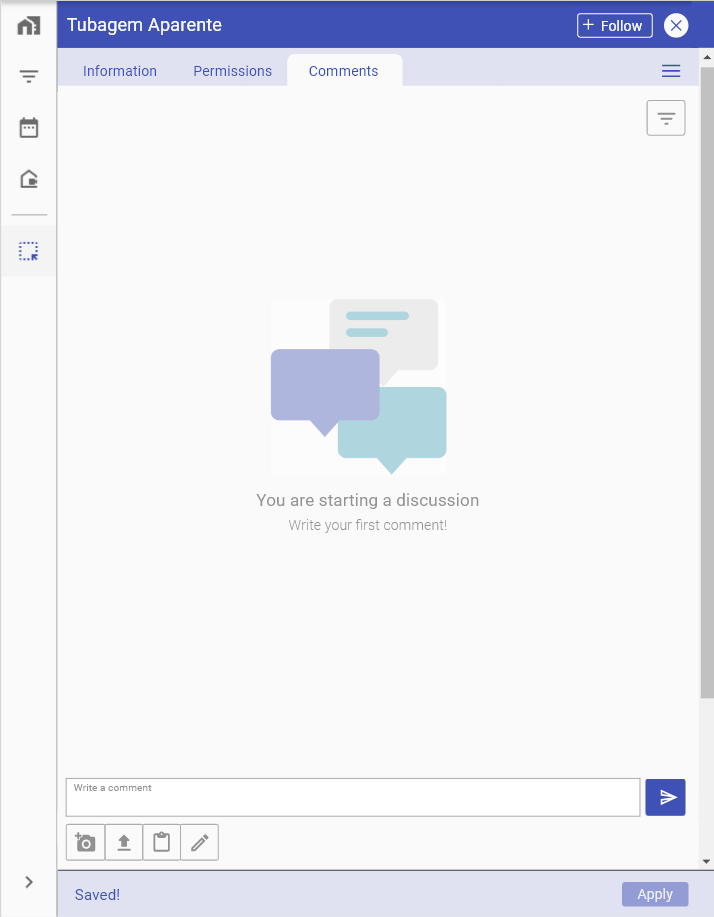
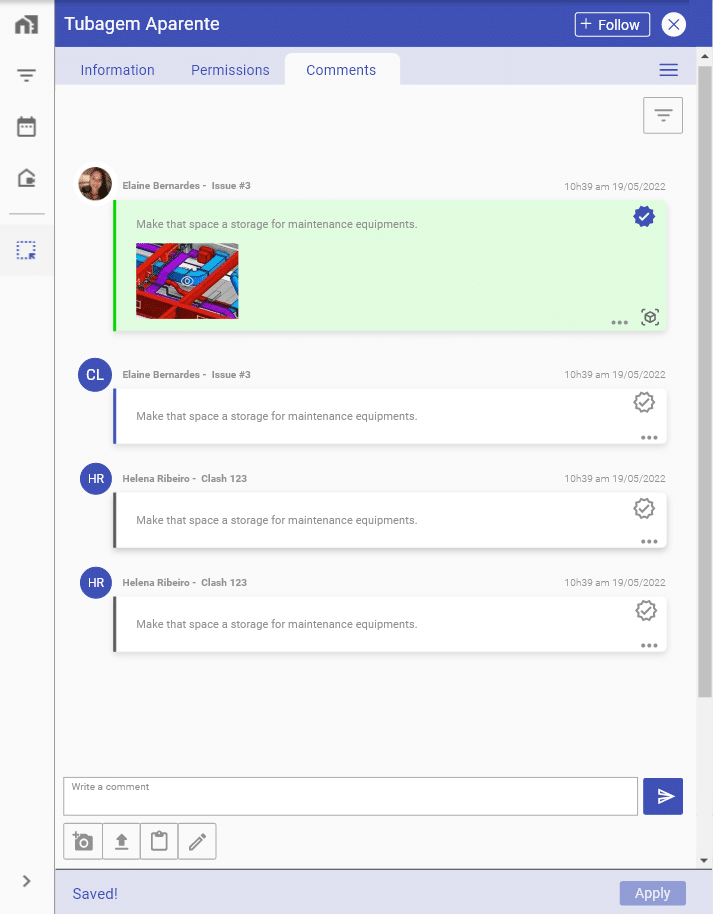
All team dialogues will be recorded, making it possible to apply filters to search for certain answers on a given subject. Each comment can contain one image of the three available types: the viewpoint, via upload or paste image.
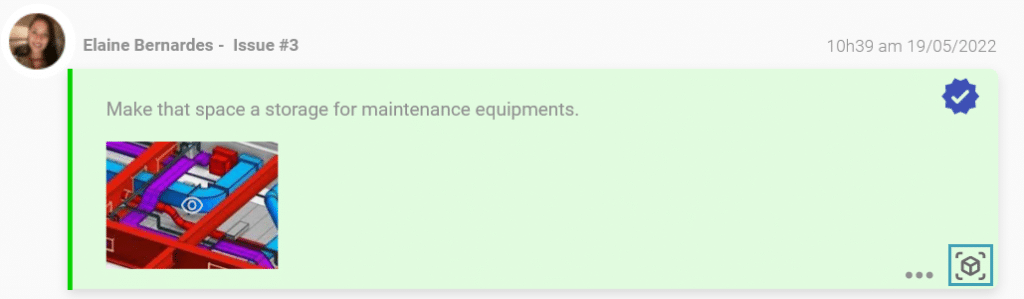
In the case of an image coming from a viewpoint, the go to model button will appear, which allows directing you to your exact location in the model.
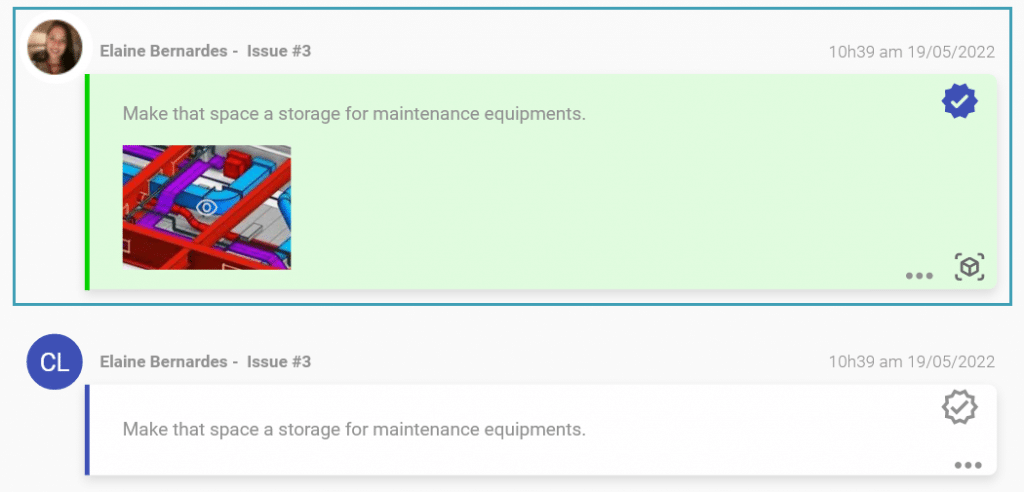
A great differential of this tool is the possibility of making comments as a solution to the subject discussed. During the life cycle of a project, comments can be an asset to reach the best solutions for the issue. Thus, users with editing permission will be able to assign as many comments as necessary, in order to contribute to a good result.
Comments marked as “solution”, will be placed at the top of the discussion and highlighted in green color.
Start using this tool now and reduce the amount of email discussions and information sharing!